Who it is for and why it is commercially useful
Main features and included sections
Main features
- 32 coordinated Canva pages
- 2 platform-ready formats
- Reusable content hierarchy and brand system
- Beginner-friendly editing and export guide
- Commercial product positioning worksheet
- Accessibility prompts for contrast, readability and alt text
Pages and sections
- Single-subject layouts
- Comparison layouts
- Number-led layouts
- Reaction-free educational layouts
- Series labels
- A/B variation worksheet
Production-ready visual direction
- Dimensions
- 1280 × 720 px · 16:9 landscape
- Number of pages
- 32 coordinated pages
- Design style
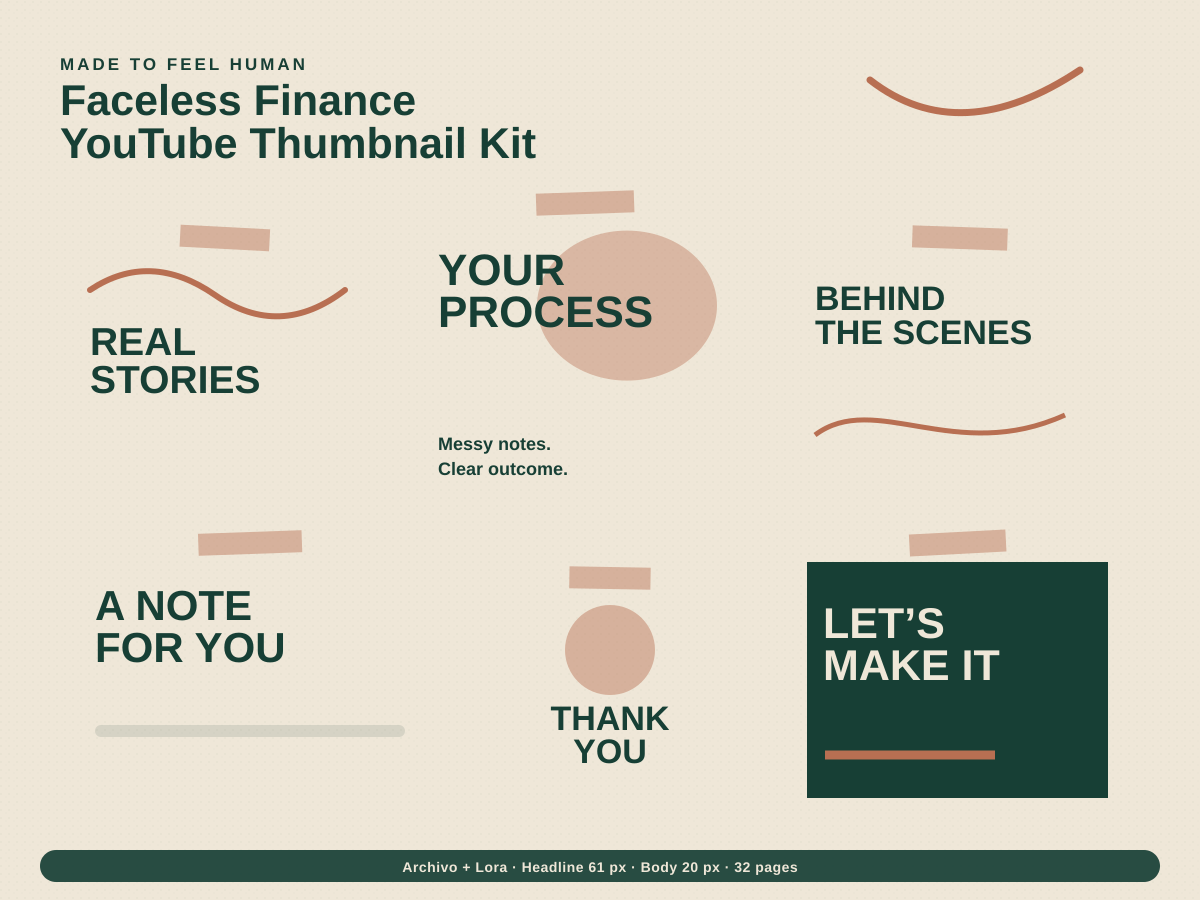
- Human tactile
- Colour palette
- Forest #173F35, Oat #EFE7D8, Clay #B86F52
- Font pairing
- Archivo + Lora
- Layout style
- high-legibility creator system built around safe areas
- Design inspiration
- paper texture, hand-drawn marks and honest editorial details
- Editable elements
- Text and headlines, Brand colours, Canva font styles, Photos and video placeholders, Icons and shapes, Calls to action, Page order
Buyer-friendly SEO title and listing description
Faceless Finance YouTube Thumbnail Kit | Editable Canva YouTube Thumbnail for Finance Educators
Build a premium youtube thumbnail templates product without starting from a blank canvas. The Faceless Finance YouTube Thumbnail Kit is designed for finance educators and faceless channels who need to visualise money topics with bold numbers, charts and clear topic cues. The blueprint specifies 32 editable pages, recommended dimensions, brand direction, content sections, buyer benefits and a clear Canva production workflow. It also includes a buyer-friendly marketplace title, an SEO description, 20 keyword ideas and 13 concise marketplace tags. Use it to create an original Canva product, test every template link and publish with transparent licence and usage notes. This is a product-development blueprint rather than a promise of sales, reach or engagement; pricing should be validated against your own audience, quality and marketplace data.
20 keyword ideas and 13 marketplace tags
SEO keyword ideas
- faceless finance youtube thumbnail kit
- youtube thumbnail templates canva
- editable youtube thumbnail templates
- youtube template bundle
- canva templates for finance educators
- social media template pack
- editable canva templates
- digital marketing templates
- social media content kit
- small business canva kit
- human tactile social templates
- commercial use template
- instagram content design
- content creator toolkit
- brand social media kit
- social media planner assets
- premium canva template
- marketplace digital product
- etsy canva template
- gumroad template product
- business branding
- Canva social kit
- Canva template
- content creator
- digital product
- editable canva
- Faceless template
- finance educators
- Human tactile
- marketing design
- social media pack
- YouTube templates
- YouTube Thumbnail
Marketplace tags
How to turn this blueprint into a sellable product
- 01
Open the supplied product blueprint and review the audience, format and page map.
- 02
Build the master design in Canva using original layouts and licence-safe elements.
- 03
Replace sample copy, colours, fonts and imagery with the buyer-facing brand system.
- 04
Create a Canva template link, test it in a separate account and prepare preview images.
- 05
Publish with the included SEO title, description, keywords and marketplace tags, then refine using real shop data.
YouTube Creator Brand Bundle
Include in YouTube Creator Brand Bundle for £109; aimed at YouTube creators, podcasters and media brands.
Explore related templatesQuestions to answer before listing
Is this an editable Canva template?+
This TOOLSAURA resource is a complete product blueprint. Build the original layouts in your own Canva account, then deliver a tested Canva template link to buyers.
Can I sell the finished template commercially?+
You may sell your own original finished design, subject to the current Canva licence and the rules of the marketplace you use. Do not resell standalone Canva library content.
Is the suggested price guaranteed to convert?+
No. The £16–£32 range is a positioning estimate based on scope and format. Final pricing should reflect your design quality, licence, support and market testing.
What should buyers be able to edit?+
At minimum, buyers should be able to edit text, colours, fonts, photos, icons, calls to action and page order without advanced design skills.